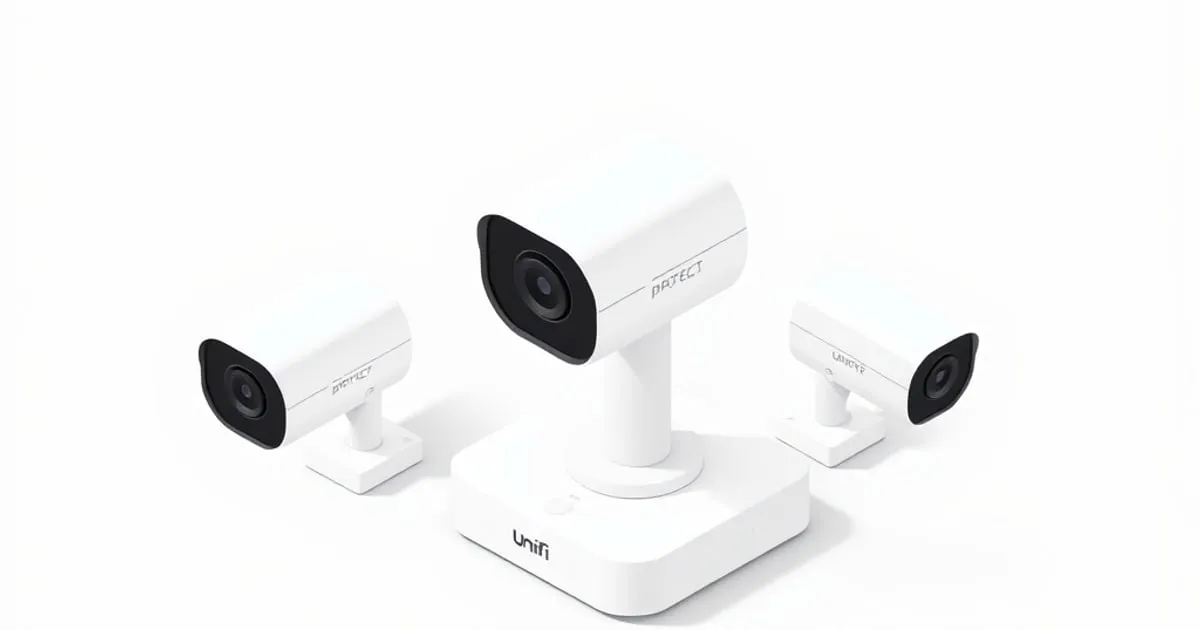
Choosing a UniFi Protect Camera: A Buyer's Decision Guide
Pick the right UniFi Protect camera by scene, lens, lighting, and PoE — not resolution. A buyer's decision framework, not a model-by-model spec dump.
Picking a UniFi Protect camera is where most new deployments wobble. The store page shows a dozen models with overlapping names, the spec sheets sound similar, and resolution gets treated as the only number that matters. It isn’t. The camera that does the job in your scene is decided by lens, lighting, mounting, and PoE before resolution ever enters the conversation. This guide is the decision framework — not a model-by-model spec dump — so you choose for the scene instead of the marketing copy.
Start with the scene, not the catalog
Before anyone looks at a product page, answer four questions about the place the camera is going:
- What is the actual job? Identify a face at the doorbell? Read a license plate at the driveway? Watch the room for activity? Each is a different camera.
- Indoors or outdoors? Outdoor cameras need a weather rating; indoor ones can be smaller, cheaper, and stylistically friendlier.
- What’s the lighting like at the worst hour? Dark hallway at night, glare-bombed parking lot at noon, headlight wash on a driveway — these decide whether you need a low-light-tuned sensor, infrared, or active illumination.
- How will it physically mount, and is there power and cable? A “perfect” camera you can’t run a cable to is useless. Confirm path and PoE before buying.
Cameras chosen scene-first hit the target on the first try. Cameras chosen catalog-first — “I want the highest-res one” — routinely produce footage where you can see that a person was there but not who, because the lens is too wide for the distance.
Field of view beats megapixels
This is the single most undertaught lesson in surveillance: a 4K camera with a very wide lens, watching a far-away subject, gives you fewer usable pixels on that subject than a lower-resolution camera with a narrower lens pointed at the same spot. The metric that actually matters for identification is pixels per foot on the subject — and that is a function of resolution and lens angle and distance, not resolution alone.
Practical implication: for a long driveway or parking lot, you want a narrower field of view (a “bullet”-style camera, or a longer-focal-length variant) so the subject fills more of the frame. For a wide room or a corner you want to cover broadly, you want a wider field of view (a “dome” or wide-angle bullet) — and you accept that any single person in that frame is smaller. Pick the lens for the geometry of the scene; resolution is the secondary lever.
If you’re sizing the storage these cameras will produce, see planning UniFi Protect storage and recording — higher-resolution and higher-FPS choices push you up the storage curve fast.
Indoor vs outdoor is not just weather
Outdoor Protect cameras are weather-rated and built to survive sun, rain, and temperature swings. Putting an indoor-only model under an eave because “it’s mostly covered” is a slow failure waiting to happen. Conversely, outdoor models are usually larger and more conspicuous than indoor designs — which can be a feature (visible deterrent) or a drawback (you wanted a small unobtrusive lens for an office).
Two outdoor specifics:
- Direct sun on the sensor at certain times of day produces washout and can shorten sensor life. Mount under an overhang if possible, angled away from sun arcs.
- Temperature extremes. Check the operating temperature range against the climate the camera will actually live in — a moderate-climate spec installed in extreme cold or heat will misbehave at the edges of the year.
Low light is its own category
“Night vision” on cameras comes in flavors that look similar on a spec sheet and behave very differently in your hallway:
- Infrared (IR) illumination. The camera emits IR (invisible to humans) and shows a monochrome image. Works in pitch dark up to the IR’s effective range, then falls off. Reflective surfaces nearby (a white wall right next to the camera) can wash out the image.
- Low-light-tuned sensors. Pull a usable color image out of very dim ambient light without active illumination. Wonderful when there’s some light (a streetlight, a porch light); useless in true zero-light conditions.
- Active visible illumination. Bright white LED that flips on with motion. Effective and a strong deterrent; obviously noticeable, which is sometimes the point and sometimes a deal-breaker.
For a dark driveway with no ambient light, IR (or active light) is the answer. For a dim indoor room that always has some glow, a low-light sensor preserves color and looks dramatically better. Pick for what’s actually present at 3 a.m. in that location.
PTZ, fisheye, and doorbell are scene-specific tools
Three form factors get bought because they sound impressive and then sit underused:
- PTZ (pan-tilt-zoom). Useful when there’s a human (or automation) actually driving it, or in a large open area where one camera can scan instead of three fixed ones. Useless as “set and forget” — a PTZ pointed in one direction is just an expensive fixed camera.
- Fisheye / 360. Excellent for ceiling mounts where one camera should see everything. Catch: dewarped resolution drops at the edges and the viewing experience is unusual.
- Doorbell. Optimized for the doorbell scene — close subject, package on the porch — with a near-vertical field of view. Don’t try to also use it as a driveway camera; it isn’t one.
Each solves a specific scene problem. Buying one to be “more capable” without that problem produces an awkward fit.
AI / smart detection: helpful, not magic
Modern Protect cameras and the Protect software offer smart detection — distinguishing person, vehicle, package, animal — so you can record or alert on those specifically instead of every leaf-blow. This is genuinely useful: it dramatically cuts false alerts, makes detection-based recording smaller (see the storage guide), and makes searching footage tractable.
Three honest caveats:
- Smart detection runs better on more recent camera/console hardware. Older devices may not support every category.
- “Smart” doesn’t mean “perfect.” Expect occasional misses and false positives, especially in unusual lighting or with partial occlusion. Treat smart detection as a powerful filter, not a guarantee.
- Use smart detection to drive which events become alerts, while still recording with sensible coverage. Alerting only on smart events and recording only on smart events are two different decisions — the first is almost always good, the second is risky if a category misses.
PoE, cable, and physical install constrain everything
A camera you can’t power and cable cleanly is one you won’t enjoy. Three things to check before ordering:
- PoE class supported by the camera vs the switch port. Higher-end Protect cameras (PTZ, big AI models, ones with active lights) draw real power and need a higher PoE class. Make sure the destination port can deliver it. Background on PoE classes and the IEEE 802.3af/at/bt standards: Power over Ethernet on Wikipedia ↗. For your overall switch power planning, see our PoE budget and uplinks guide.
- Cable run length and quality. Ethernet for PoE has practical length limits and quality matters under power. A long marginal run that “works for a laptop” can starve a camera intermittently. That’s also the kind of fault that masquerades as adoption flakiness — see device adoption troubleshooting.
- Mounting hardware and surface. Brick, soffit, stucco, drywall, ceiling tile — each needs different anchors and gives you different cable-management options. Confirm you have (or can get) cabling into that wall plate cleanly before buying the camera that depends on it.
Camera compatibility and what the console can actually adopt
Protect cameras must be supported by the Protect application version on your console. Ubiquiti maintains an explicit compatibility reference: UniFi Protect Camera Compatibility ↗. Two practical takeaways:
- A very new camera may need a recent Protect / console version to adopt — check before buying for an older NVR.
- Older cameras are sometimes deprecated on newer Protect releases. If you’re refreshing the console, verify your existing cameras still appear on the supported list for the version you’re moving to.
For the broader management context, the UniFi Network Application controller options guide covers where the network side runs; the Protect console is separate but has the same “keep it on a supported version” discipline as the firmware and update strategy recommends for everything else.
A buying checklist that prevents the common regret
Before clicking buy, write down for each camera:
- Scene job: identify / read / general-watch — and what at what distance.
- Indoor or outdoor, and the worst-hour lighting.
- Lens / field of view chosen for that distance, not “the widest one.” Confirm pixels-per-foot on the subject is enough for the job, not for the brochure.
- Power and cable path to a switch port of adequate PoE class, with the right mounting hardware on hand.
- Compatibility with your current Protect console version, checked against Ubiquiti’s official list.
- Storage delta added to your retention plan — every new high-resolution always-on camera changes the math.
For the official model lineup and current availability, the canonical reference is Ubiquiti’s UniFi Protect camera category ↗ and the broader UniFi Protect documentation ↗. Use those for spec details; use the framework above to decide which set of specs you actually need.
The mental model
Scene first, lens second, lighting third, PoE and cable fourth, resolution fifth. Cameras chosen in that order quietly do their job for years. Cameras chosen resolution-first or feature-first photograph the wrong thing beautifully and frustrate everyone watching the footage. For the rest of a Protect deployment that doesn’t bite later, see Protect storage and recording planning, VLAN segmentation for IoT and cameras, and the rest of our UniFi guides.
Sources
Related

Planning UniFi Protect Storage and Recording Without Guesswork
How recording modes, resolution, and retention drive UniFi Protect storage needs — a framework for sizing capacity and keeping the console off the public

Choosing a UniFi Access Point: Wi-Fi 6 vs 6E vs 7
How to pick between UniFi Wi-Fi 6, 6E, and 7 access points without overspending — what each band actually buys you, what your clients can use, and where

Best UniFi Access Point for Home: U6 Lite, U6 Pro, and U7 Pro Compared (2026)
Picking the best UniFi access point for home use comes down to three variables: square footage, client density, and whether you're on 1GbE or 2.